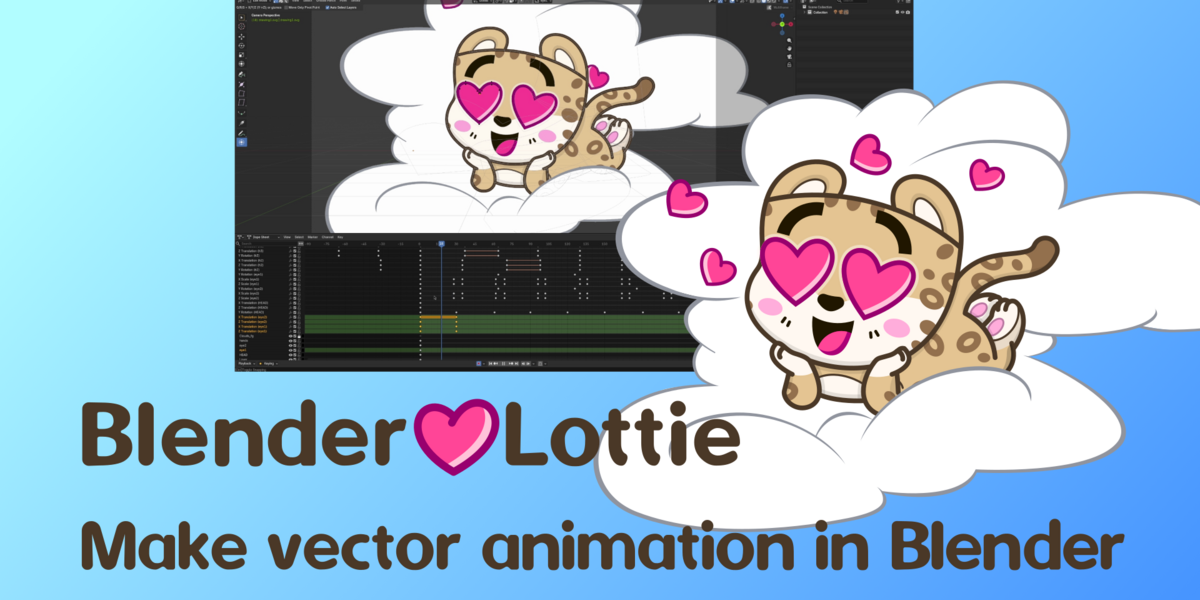

Cheetah export preview
lottie-web, SVG
Uncompressed JSON: 157.6 KB. DotLottie: 15.3 KB. Telegram TGS: 14.2 KB.
Download add-onWorkflow
svg → Blender → Lottie
- Lottie export: Blender 5.0.0 or newer (5.1.0 for holes in fills).
- SVG import: Blender 5.1.2 or newer.
io_svg_to_gp— imports SVG into Grease Pencil and maps paint and style.gp_layer_tool— interactive Grease Pencil layer transforms.io_lottie_export— exports to.json,.lottie,.tgs.
- Import the SVG with
io_svg_to_gp. - Animate with drawn keyframes and layer transforms, with auto-key.
- Export with
io_lottie_export.
The pipeline transfers lightweight vector animation. It does not match Blender’s renderer.
Feature highlights


io_svg_to_gp
Imports an SVG with Blender’s Grease Pencil importer, then maps fill and stroke from the source file.
wm.grease_pencil_import_svg- Fill and stroke colors: hex, rgb(), and names from
svg_colors.py. - Inheritance from svg to groups to the shape, plus attributes, inline style, and simple rules in
<style>. opacity,fill-opacity,stroke-opacity.- Stroke width becomes point radius. Units: px, pt, pc, mm, cm, in.
- Materials are named from the nearest CSS color and reused by the actual RGBA, not by name.
Not carried over:
- Apply clipping paths before import.
- Groups can shift color from object to object. Ungroup if that happens.
- Masks and filters are not reproduced as a raster effect.
- No full CSS engine: no advanced selectors, pseudo-classes, or media queries.
linearGradient,radialGradient,pattern,filterare ignored for shading.
If the import is wrong, prepare the SVG in Inkscape:
- Ungroup everything.
- Remove masks.
- Remove clip paths and cut the shapes into real geometry.
- Replace blend modes with plain opacity.
- Avoid holes in curves. The native importer turns them into a separate object.
gp_layer_tool
A transform tool for selected Grease Pencil layers, with viewport gizmos and modal controls. Layer transforms usually beat redrawing every frame: the Lottie file stays much smaller.
- Available in Object and Edit Mode. While the tool is active,
G,R,S,Alt+G,Alt+R,Alt+Sreplace Blender’s usual shortcuts. - Uses the selected layers, or the active layer if nothing else is selected.
- In Edit Mode, selected points can select the layer in the Dope Sheet and make it active.
- Translate on local X/Z, rotate on local Y, scale on local X/Z.
- Axis constraints
X,Y/Z.Ymaps to Z in this tool. - Motion is projected through the current view. Rotation follows the mouse around the on-screen pivot.
- Unconstrained scale uses the distance to the pivot, like Blender’s normal scale.
- With Auto Key on, the layer transform channels are keyed on confirm.
Alt+G,Alt+R,Alt+Sclear translation, rotation, and scale.- Move Only Pivot Point shifts the pivot and compensates the points, so the drawing stays put.
Constraints stay on the XZ plane, not Blender’s full transform stack. There is no middle-mouse axis picker.
io_lottie_export
Exports Grease Pencil as vector shape layers to .json (plain Lottie), .lottie (a dotLottie package), or .tgs (Telegram). File size follows the animation: layers, strokes, and keys. Unchanged stroke keys can be skipped, and an export log names the heavy layers and frames.
- Collection Exporter. Several Grease Pencil objects in one composition. Selected only is optional.
- Camera projection turns Grease Pencil points into composition pixels.
- Paths: polylines and beziers. Fill and stroke: color, opacity, and width from the point radius.
- Object transforms and layer transforms.
- Frame range and precision. Bake mode samples the transform on every frame.
- Layer masks are written as Lottie track mattes (tt, td, tp).
Not supported:
- Gradients, variable line thickness, images, and image fills.
- Grease Pencil modifiers, including Line Art, and the effect stack. Export reads the editable layer, not the modifier result.
- Only linear and ease keys, simplified. For richer easing, use bake mode.
- Perspective in the layer transform is approximate. Lottie is 2D.
- Players can differ: After Effects, lottie-web, and mobile runtimes.
- For Telegram the mask layer must sit directly above the masked layer, or export stops with an error.